 1300 057 008
Get a Windows PC ready to use
Get a new Windows laptop or desktop ready with your email, software and existing equipment. We can help move files and make the setup familiar.
New computer setup
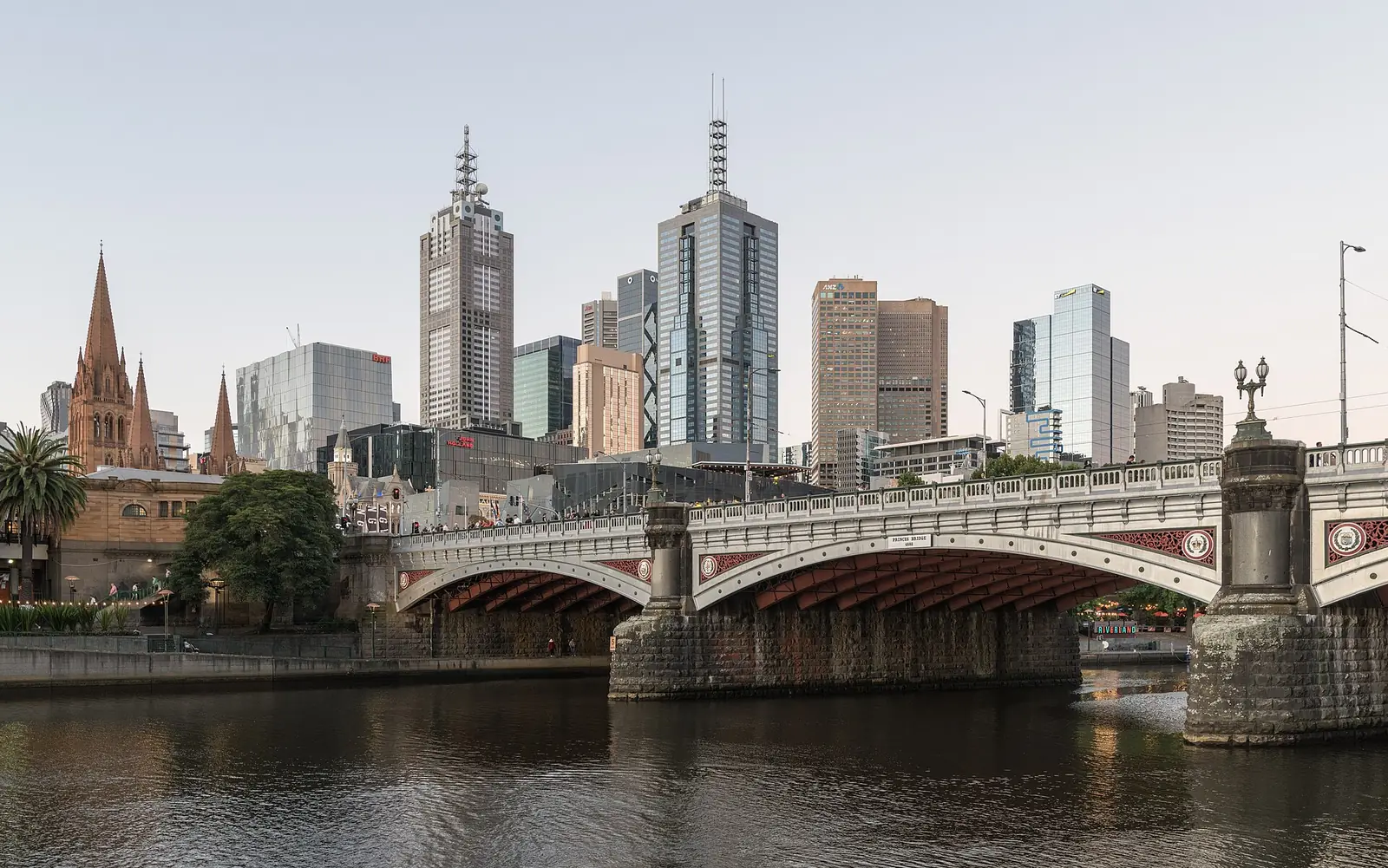
Get help with a Windows computer in Melbourne, including setup, email, virus removal and hardware or software repairs. Australian Computer Doctors supports laptops, desktops and custom-built PCs from different manufacturers, with onsite visits and remote support.
Tell us if the computer will not start, is slow or needs setting up with your files and devices. Call 1300 057 008 or complete the form. We will discuss the problem and pricing with you before arranging work.
The services below include hardware and software repairs, setup and the everyday tasks you use your computer for. Tell our Melbourne team what you need help with so we can discuss the work and pricing.
Get a new Windows laptop or desktop ready with your email, software and existing equipment. We can help move files and make the setup familiar.
New computer setup
Unwanted programs and browser changes can affect any PC brand. We investigate what is happening, remove unwanted software found and review relevant settings.
Virus and malware removal
Get help with email applications, existing accounts and messages that will not send. We can check the computer setup alongside the account and connection.
Email and connection help
We investigate slow startup, freezes and delays before recommending parts or system changes. Tell us which tasks are affected and what has changed recently.
Help with a slow computer
We can help connect Wi-Fi and compatible printers and investigate network problems. Knowing whether other devices work helps separate the computer from the connection.
Network and Wi-Fi supportConnect your printer, monitor and other compatible equipment to the PC. We check models and settings and explain any limits that affect the setup.
Network and Wi-Fi supportWe help move files to another Windows PC or discuss a move to a Mac. Applications may need reinstalling, so list the software as well as the documents.
New computer setup
Choose backup storage, include the files that matter and learn how to check that the backup is working.
Backups and data recovery
Ask about a Windows error, repeated restart or loading screen, and let us know whether important files have a backup.
Computer startup help
Provide the PC make and model, or custom build details, so we can discuss assessment and replacement of faulty parts.
Hardware repairs and upgradesDiscuss assessment and recovery options when files disappear or a drive stops opening, including where the files were stored.
Backups and data recoveryHave updates, storage, security and startup apps checked, with recommendations based on the problems you are having.
Computer health checksCompare keeping, upgrading or replacing the PC, taking its condition, your applications and your budget into account.
Upgrades and purchase adviceAsk about an inspection and written findings for your insurer, with the computer details and its reporting requirements.
Computer insurance reportsContact us to find out whether your Windows, email or application problem can be handled remotely on a working PC.
Remote computer supportCall Australian Computer Doctors on 1300 057 008 or use the enquiry form on this page. Tell us your suburb, the device and what you need help with. We will discuss pricing and arrange a home or workplace visit, or remote assistance when the task is suitable.
Our minimum labour time is one hour per job, and many jobs only need that hour. If more time is needed, we bill in 15 minute blocks. We do not charge call-out fees or travel costs. For onsite work, the time starts when your technician arrives. Parts cost extra if needed. The total depends on the fault and the work required, so we can give a more accurate estimate after diagnosis. Call us on 1300 057 008 to discuss pricing, or use our repair estimate form to send the details.
It can be if it suits your software and preferred way of working. Compare actual computer models, including their memory, storage, screen, warranty and connections. Windows itself is not a manufacturer, so the hardware choice still matters.
We can discuss the message and the legitimate recovery process. The key may be associated with your Microsoft or work account. Access depends on valid credentials and recovery information; we cannot promise to bypass device security.
Not automatically. Reinstallation can affect applications and files, and will not resolve every hardware fault. Describe the problem and backups first. We discuss appropriate steps, including separate recovery assessment where needed, without guaranteeing data recovery.
Many jobs take around an hour, which is our minimum labour time per job. If extra time is needed, we bill in 15 minute blocks. After diagnosing the issue, your technician can give a more accurate time estimate and explain the options, taking the work needed and your budget into account. Some repairs need parts or work offsite, which can affect the time before the computer is ready.

Our Melbourne service covers homes and workplaces from Werribee and Melton through Craigieburn and Mount Evelyn, and south to Frankston and Cranbourne. The same repair, setup and support services are available throughout these locations. Choose your location for local information, or call 1300 057 008 to discuss your computer and arrange help. For the wider service, visit Melbourne computer repairs.
Leave your details and our team can contact you about your computer. You can also call 1300 057 008.