 1300 057 008
Set up a new HP computer
We can get a new HP laptop, desktop or all-in-one ready with your accounts, files and connected equipment. Setup is based on what you need to use each day.
New computer setup
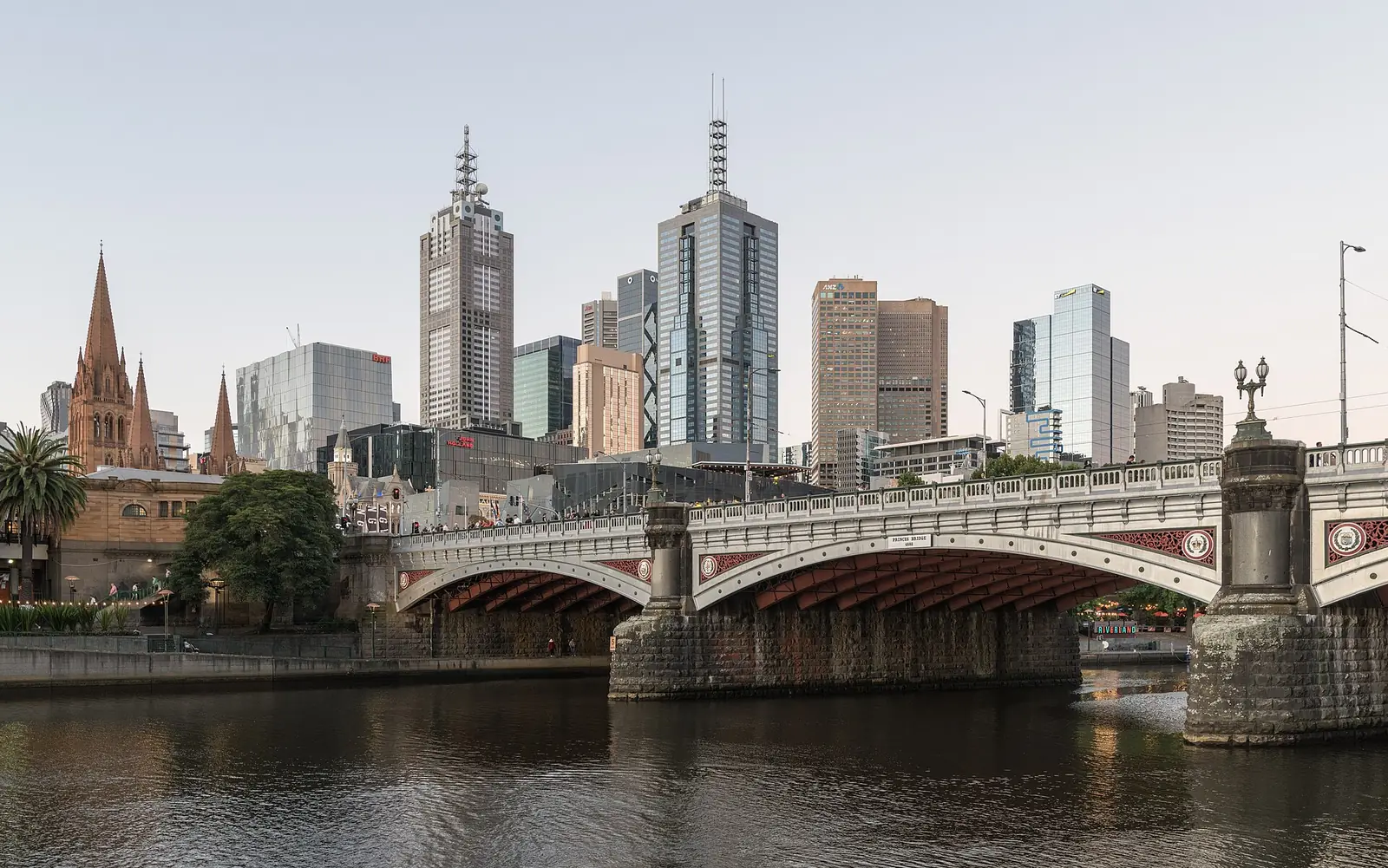
Need help with an HP laptop, desktop or all-in-one computer in Melbourne? Australian Computer Doctors can set up a new device, move your files, fix email and remove unwanted software. We also investigate slow performance and carry out hardware and software repairs.
Tell us about the computer and any printer, Wi-Fi or other equipment involved. Call 1300 057 008 or send an enquiry so we can discuss the work and pricing. An onsite visit or remote support can be arranged according to the problem.
The services below include hardware and software repairs, setup and the everyday tasks you use your computer for. Tell our Melbourne team what you need help with so we can discuss the work and pricing.
We can get a new HP laptop, desktop or all-in-one ready with your accounts, files and connected equipment. Setup is based on what you need to use each day.
New computer setup
Unwanted applications and browser messages can interrupt normal use. We check what is happening, remove unwanted software and discuss relevant settings.
Virus and malware removal
Add your existing email account to the computer or get help when messages stop sending. Tell us about stored folders and contacts before changes are made.
Email and connection help
If a Pavilion, Envy or another HP computer has slowed down, we investigate the symptoms before recommending repairs or upgrades. An age alone does not decide the answer.
Help with a slow computer
A connection issue can involve the computer or home network. We can check Wi-Fi, local settings and compatible printer connections during a visit.
Network and Wi-Fi supportGet an existing monitor or other compatible accessory connected to the HP. We can also help with computer-to-printer setup; mechanical printer repairs are a different service.
Network and Wi-Fi supportKeep the old device until your required documents and photos have been checked on the new one. We can help transfer files and discuss a backup.
New computer setup
Protect photos and documents with a backup arrangement that suits the way you use the computer.
Backups and data recovery
Describe any lights, sounds or screen messages so we can assess why the computer will not start normally.
Computer startup help
The product number and photos help us discuss the right parts and assessment for a damaged or faulty device.
Hardware repairs and upgradesAsk about files that have disappeared or a drive the computer no longer recognises. Recovery needs its own assessment.
Backups and data recoveryHave software updates, storage space and startup programs reviewed, with an explanation of what needs attention.
Computer health checksCheck whether an upgrade is practical for your particular HP and compare it with the cost of changing computers.
Upgrades and purchase adviceTell us what your insurer has requested so we can discuss an inspection and the report needed.
Computer insurance reportsA working internet connection may let us help with an email or software issue remotely. Ask us which approach suits it.
Remote computer supportCall Australian Computer Doctors on 1300 057 008 or use the enquiry form on this page. Tell us your suburb, the device and what you need help with. We will discuss pricing and arrange a home or workplace visit, or remote assistance when the task is suitable.
Our minimum labour time is one hour per job, and many jobs only need that hour. If more time is needed, we bill in 15 minute blocks. We do not charge call-out fees or travel costs. For onsite work, the time starts when your technician arrives. Parts cost extra if needed. The total depends on the fault and the work required, so we can give a more accurate estimate after diagnosis. Call us on 1300 057 008 to discuss pricing, or use our repair estimate form to send the details.
It may be if the individual model suits your needs. Compare the specification, screen, connections, warranty and upgrade options. A model aimed at demanding applications may offer little benefit for someone who mainly uses email and a browser.
Not always. Running applications, heat and other conditions can affect fan behaviour. Explain when it happens and whether the computer also slows down or switches off. We investigate before recommending a replacement part.
We can discuss the exact model and existing configuration. Some upgrades replace the current drive rather than adding another. Compatibility, file transfer and backup arrangements need checking before parts are bought or fitted.
Many jobs take around an hour, which is our minimum labour time per job. If extra time is needed, we bill in 15 minute blocks. After diagnosing the issue, your technician can give a more accurate time estimate and explain the options, taking the work needed and your budget into account. Some repairs need parts or work offsite, which can affect the time before the computer is ready.

Our Melbourne service covers homes and workplaces from Werribee and Melton through Craigieburn and Mount Evelyn, and south to Frankston and Cranbourne. The same repair, setup and support services are available throughout these locations. Choose your location for local information, or call 1300 057 008 to discuss your computer and arrange help. For the wider service, visit Melbourne computer repairs.
Leave your details and our team can contact you about your computer. You can also call 1300 057 008.