 1300 057 008
Set up new Dell devices
Get your Dell ready with email, the programs you use and your existing printer. We can help move files from the old computer and explain the new setup.
New computer setup
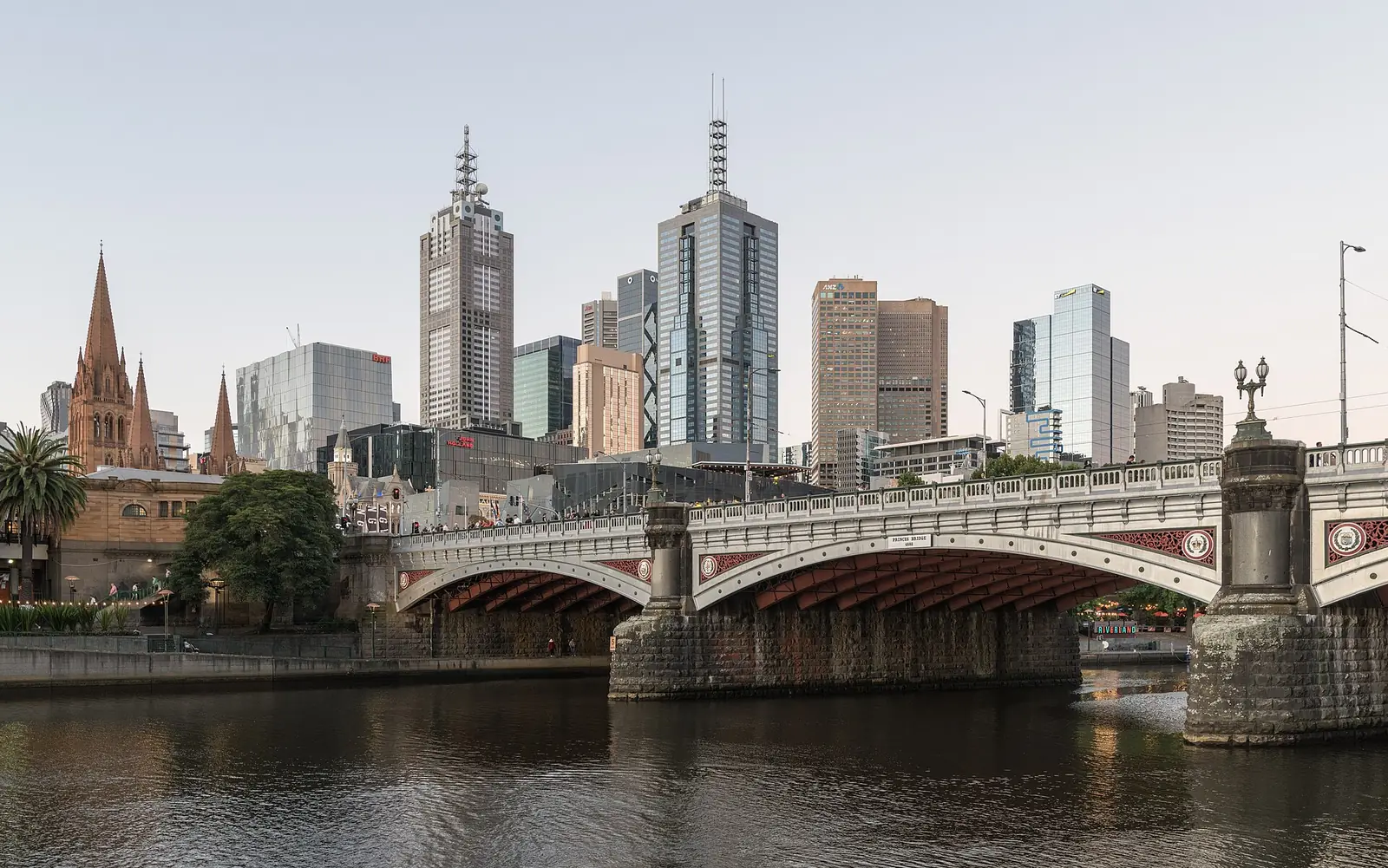
Australian Computer Doctors helps Melbourne Dell owners with new computer setup, email, virus removal and repairs. If you have bought a new computer, we can help get your files and devices ready. If your current computer is giving you trouble, we can investigate that too.
Call 1300 057 008 or tell us what is happening in the form. We can discuss a visit to your home or office, or remote help for software problems. Hardware repair options and any parts needed will be explained before work is arranged.
The services below include hardware and software repairs, setup and the everyday tasks you use your computer for. Tell our Melbourne team what you need help with so we can discuss the work and pricing.
Get your Dell ready with email, the programs you use and your existing printer. We can help move files from the old computer and explain the new setup.
New computer setup
Tell us about pop-ups, unfamiliar programs or changes to browsing. We can investigate unwanted software and help get everyday tasks working again.
Virus and malware removal
We help with email accounts, mail applications and messages that will not send. Mention whether the account still works on a phone or another computer.
Email and connection help
A slow Inspiron, OptiPlex or another model needs its cause checked before an upgrade is chosen. We can discuss software, storage and hardware findings in plain English.
Help with a slow computer
If the computer loses Wi-Fi or will not join the home network, we can check its setup alongside the connection. Tell us which other devices still work.
Network and Wi-Fi supportWe can connect a compatible printer, screen or other accessory. Have the model details ready, particularly if you want to keep using older equipment.
Network and Wi-Fi supportFiles may be on the old PC, an external drive or an online account. We can help identify what needs moving before the old computer is cleared.
New computer setup
Set up a practical backup and learn how to check that your important files are being copied.
Backups and data recovery
Tell us whether it stops at the Dell logo, shows a Windows error or gives no display at all.
Computer startup help
Send the Service Tag and photos for a discussion about a damaged screen, faulty keyboard or another part.
Hardware repairs and upgradesLet us know which files are missing and whether the drive is still recognised, before trying more fixes.
Backups and data recoveryHave startup settings, storage, updates and security checked, with clear advice about anything worth changing.
Computer health checksCompare the cost and likely benefit of repairing, upgrading or replacing your particular laptop or desktop.
Upgrades and purchase adviceAsk about an inspection and written findings when your insurer needs a report for a damaged computer.
Computer insurance reportsSome email and software issues suit remote help. We will check whether the computer and connection are ready.
Remote computer supportCall Australian Computer Doctors on 1300 057 008 or use the enquiry form on this page. Tell us your suburb, the device and what you need help with. We will discuss pricing and arrange a home or workplace visit, or remote assistance when the task is suitable.
Our minimum labour time is one hour per job, and many jobs only need that hour. If more time is needed, we bill in 15 minute blocks. We do not charge call-out fees or travel costs. For onsite work, the time starts when your technician arrives. Parts cost extra if needed. The total depends on the fault and the work required, so we can give a more accurate estimate after diagnosis. Call us on 1300 057 008 to discuss pricing, or use our repair estimate form to send the details.
Look at the particular machine rather than assuming every model is alike. Consider software needs, screen quality, portability, warranty and repair or upgrade options. We can help you compare a shortlist against the tasks you actually do.
Files may still be accessible, but the symptom alone cannot confirm that. Tell us about your backups and any unusual drive noises. We assess the appropriate route, including specialist recovery when needed, without promising the outcome.
We come to your home or workplace, so you can leave your computer connected to the equipment you normally use. Some software issues also suit remote help. If the computer needs offsite repairs, our technician will discuss taking it and arranging its return.
Many jobs take around an hour, which is our minimum labour time per job. If extra time is needed, we bill in 15 minute blocks. After diagnosing the issue, your technician can give a more accurate time estimate and explain the options, taking the work needed and your budget into account. Some repairs need parts or work offsite, which can affect the time before the computer is ready.

Our Melbourne service covers homes and workplaces from Werribee and Melton through Craigieburn and Mount Evelyn, and south to Frankston and Cranbourne. The same repair, setup and support services are available throughout these locations. Choose your location for local information, or call 1300 057 008 to discuss your computer and arrange help. For the wider service, visit Melbourne computer repairs.
Leave your details and our team can contact you about your computer. You can also call 1300 057 008.