 1300 551 350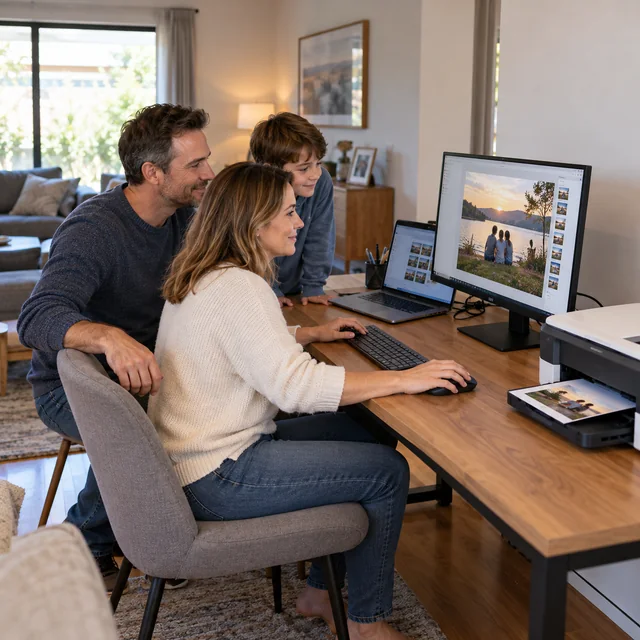
Setup & Buying Advice
7 Things to Check Before Replacing Your Computer
A slow computer does not always need replacing. These seven checks can help you decide whether repair, an upgrade or a new device makes sense.
READ ARTICLE
Setup & Buying Advice
A slow computer does not always need replacing. These seven checks can help you decide whether repair, an upgrade or a new device makes sense.
READ ARTICLE
Setup & Buying Advice
Get a new Windows computer or Mac ready with essential software, updates, security, backups and settings that suit you.
READ ARTICLE
Backups & Storage
Protect your cloud files with stronger account security, careful sharing permissions, sensible encryption and regular checks.
READ ARTICLE
Security & Scams
Recognise unexpected support calls, alarming pop-ups, remote access requests and other warning signs of a tech support scam.
READ ARTICLE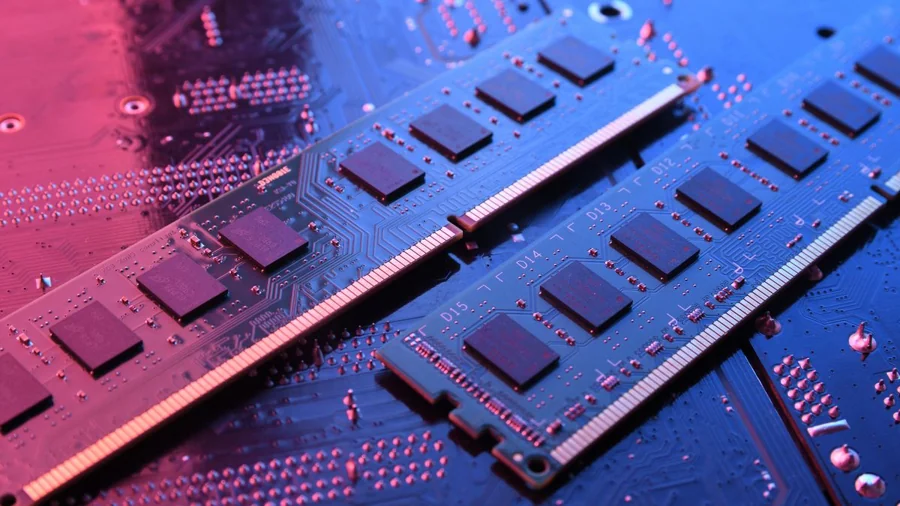
Performance & Maintenance
Understand computer memory, compatible RAM types, upgrade limits and why adding more memory does not solve every performance problem.
READ ARTICLE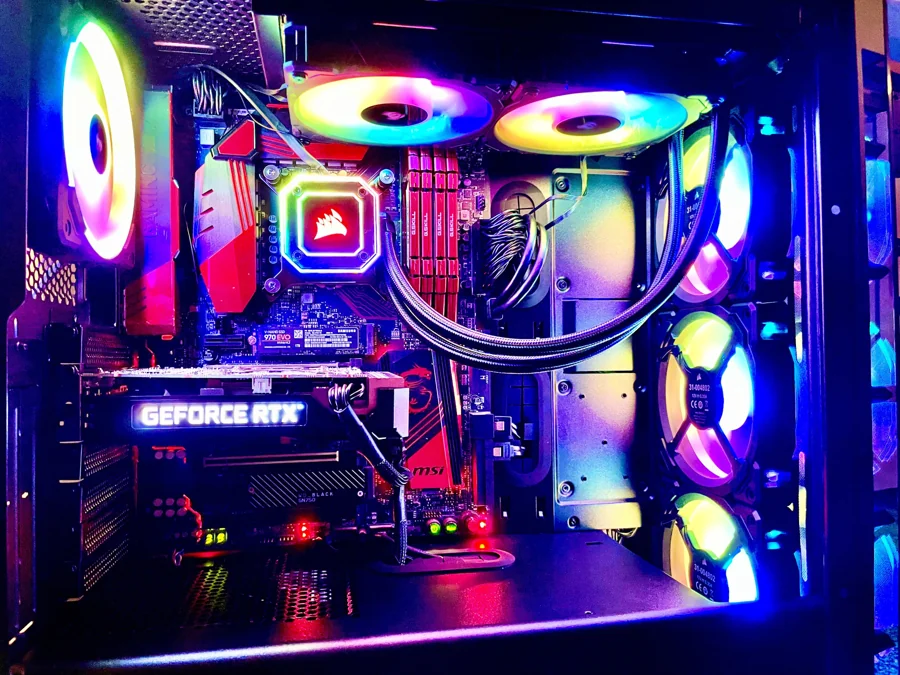
Setup & Buying Advice
Make sense of processors, RAM, storage, graphics, ports and operating systems before choosing or upgrading a computer.
READ ARTICLE
Security & Scams
Review old accounts, privacy settings, location permissions and the information you share to reduce your digital footprint.
READ ARTICLE
Security & Scams
Compare antivirus compatibility, features, usability and independent testing without paying for extras you do not need.
READ ARTICLE
Wi-Fi & Internet
Review router passwords, guest Wi-Fi, connected devices and updates to improve the security of your home network.
READ ARTICLE
Performance & Maintenance
Clean computer surfaces carefully, protect screens and ports, and recognise when dust or overheating needs professional attention.
READ ARTICLE
Security & Scams
Keep your browser updated, review extensions, check website addresses and use built-in protection when browsing and downloading.
READ ARTICLE
Setup & Buying Advice
Choose a computer around your everyday tasks, portability, software, accessories and upgrade needs rather than specifications alone.
READ ARTICLE
Everyday Computer Use
Review your chair, screen, keyboard, lighting and breaks to make everyday computer use more comfortable.
READ ARTICLE
Backups & Storage
Manage computer storage with careful file reviews, suitable cloud settings, external backups and sensible application cleanup.
READ ARTICLE
Wi-Fi & Internet
Check router placement, interference, coverage and your internet connection before spending money on Wi-Fi upgrades.
READ ARTICLENo articles match your search. Try another word or choose All Articles.