 1300 199 074

Wi-Fi and internet help in Brisbane
A computer that works near the router but drops out in another room needs more than a repeated restart. Australian Computer Doctors helps Brisbane households investigate Wi-Fi coverage, unreliable connections and devices that will not join the network.
An onsite visit lets us look at the computer, router and places where the problem occurs. Tell us whether one device or the whole household is affected, and whether you recently changed provider or equipment.
Call 1300 199 074Find out which connection needs attention
Wi-Fi connects devices inside your home; the internet service connects that network to the outside world. A fault in one does not always mean the other has failed. We use the symptoms and available checks to help separate device, coverage and provider issues.
We can discuss router settings, suitable positioning and mesh equipment where useful. A new network device is not an automatic answer to a provider outage, and no router placement can guarantee a particular speed in every room.
- Investigate Wi-Fi dropouts and weak coverage.
- Connect computers and suitable printers to the home network.
- Help set up replacement routers or compatible mesh equipment.
- Check whether the problem affects one device or several.
- Review network settings and connections.
- Explain findings that may need your internet provider to address.
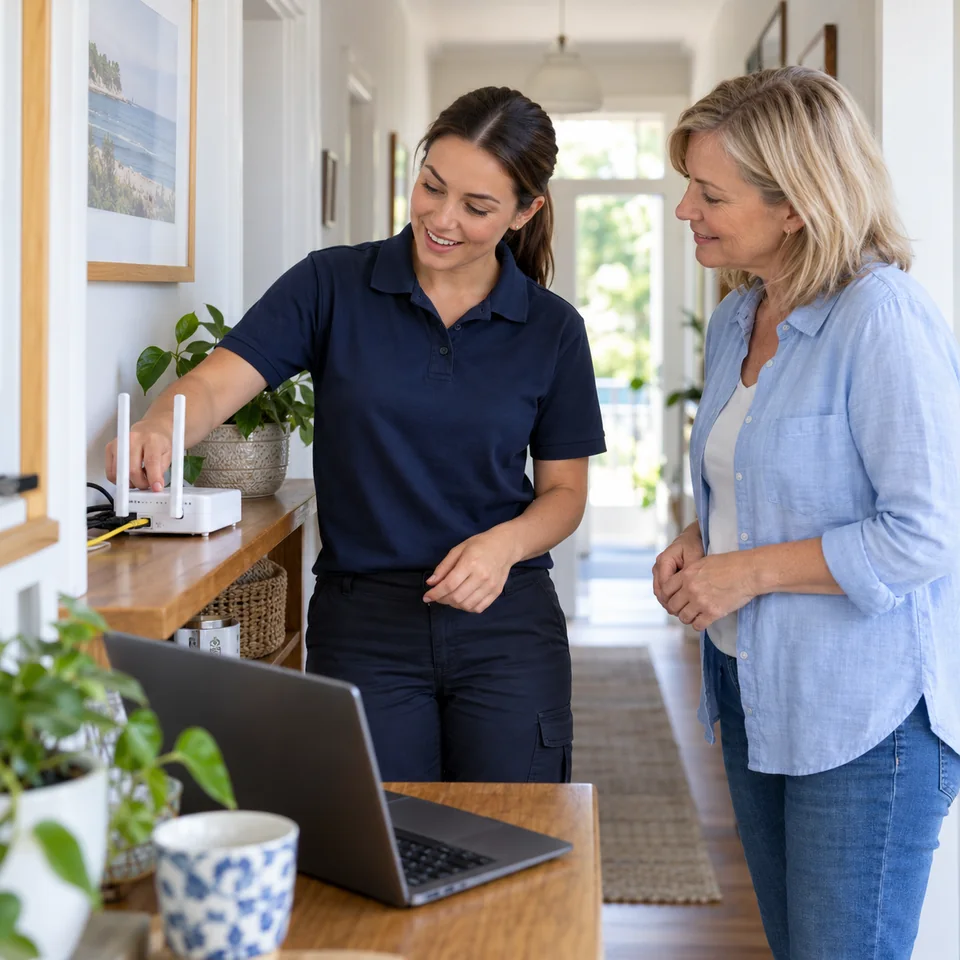
Have the network equipment accessible
- Note which rooms and devices have the problem.
- Tell us the provider and router model if known.
- Mention recent moves, provider changes or new equipment.
- Keep any existing mesh units and their power supplies available.
Common questions
Can you fix my internet provider’s outage?
We can help identify whether the trouble appears to be with home equipment or the incoming service. Your provider must handle its own outages, line faults and account issues.
Do I need a mesh network?
It depends on the layout, current equipment and where coverage is poor. We can discuss suitable options after checking the situation. Mesh equipment does not by itself resolve every connection problem.
Why does my phone stay connected when the laptop disconnects?
The devices may use different connections or have different wireless settings and capabilities. Comparing them helps narrow down the problem. We can check the laptop and network before recommending replacement equipment.
Can you reconnect a printer after I change routers?
Yes. Printer connection setup is part of our computer support. Have the printer model and new router available, and tell us which computers need to print. This does not include repairing the printer’s mechanical parts.
How is the cost of this service worked out?
Our minimum labour time is one hour per job, and many jobs only need that hour. If more time is needed, we bill in 15 minute blocks. We do not charge call-out fees or travel costs. For onsite work, the time starts when your technician arrives. Parts cost extra if needed. The total depends on the fault and the work required, so we can give a more accurate estimate after diagnosis. Call us on 1300 199 074 to discuss pricing, or use our repair estimate form to send the details.
How much time should I allow?
Many jobs take around an hour, which is our minimum labour time per job. If extra time is needed, we bill in 15 minute blocks. After diagnosing the issue, your technician can give a more accurate time estimate and explain the options, taking the work needed and your budget into account. Some repairs need parts or work offsite, which can affect the time before the computer is ready.
More computer services in Brisbane
Our Brisbane computer repair service also covers hardware faults, slow computers, Wi-Fi, backups and other everyday computer tasks. You can discuss several jobs when arranging a visit.
We provide support for all major brands, makes & models
Just a few of the brands we have provided support for include:





Australian Computer Doctors is an independent computer company with experience servicing these brands. We do not represent the manufacturers or process their warranty claims.
Computer repairs across Brisbane and surrounding areas

Our technicians visit homes and small businesses across Brisbane, north to North Lakes and Burpengary, south to Loganholme and east to Cleveland and Redland Bay. We also provide onsite computer help in Ipswich. Choose your location for local information, or call 1300 199 074 to discuss your computer and arrange help. For the wider service, visit Brisbane computer repairs.